
Cat Mode

Put on a YouTube cat-games video and let your cat pounce at the screen β€” without their paws pausing it, skipping ahead, or opening random apps. The birds keep flying. You unlock it with your own shortcut.

🐾 Add to Chrome View on GitHub

The Add-to-Chrome link goes live once the listing passes review. Until then, use the manual install below.
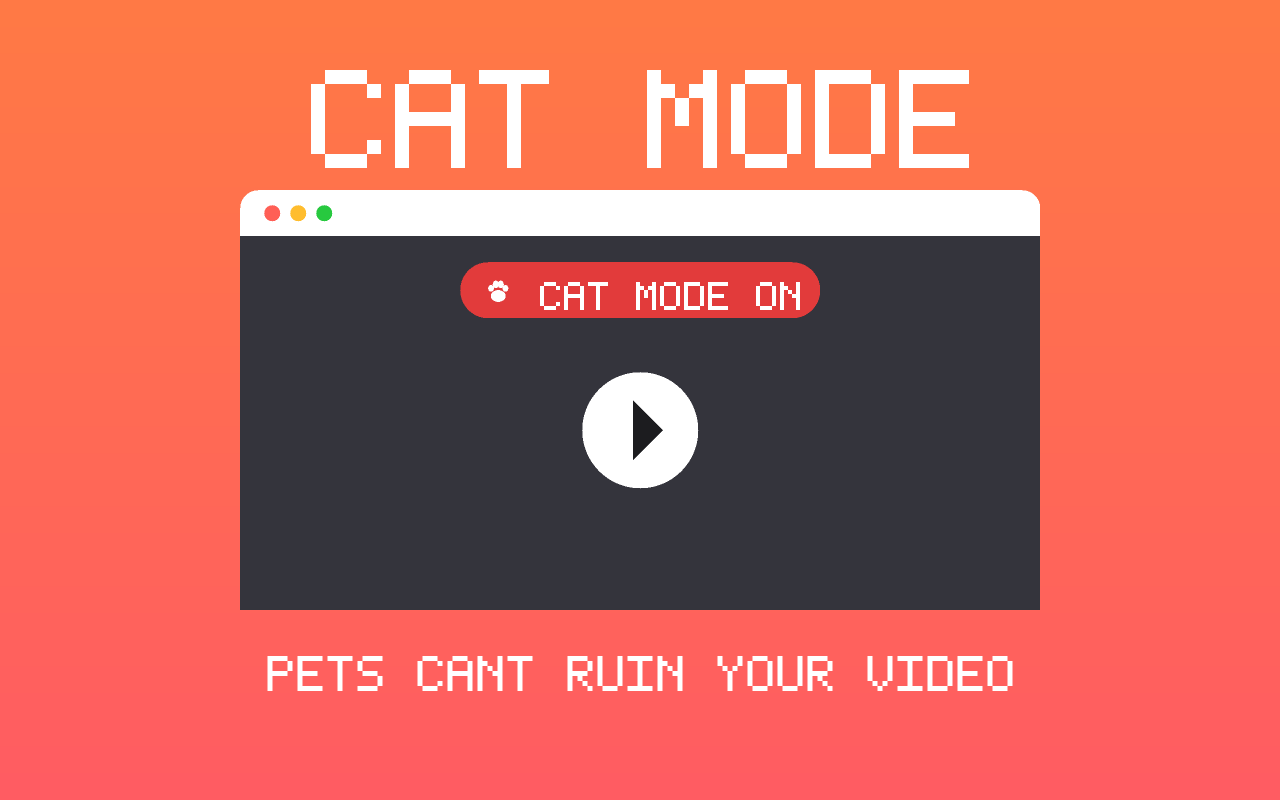
Cat Mode showing the 'Cat Mode ON' banner on a video

Why you'll want it

🐱

Pounce-proof

One click freezes keyboard, mouse, trackpad, scroll, and touch. Paws on the laptop do nothing.

🐦

Video never stops

The cat-games video keeps playing through every attack β€” no pauses, skips, or stray apps.

πŸ”‘

You stay in control

Take over anytime with a shortcut only a human would press (default Ctrl+Shift+K).

πŸ”’

Private

No accounts, no tracking. Everything stays on your device.

How it works

  1. Open a YouTube cat-games video (birds, mice, fish β€” whatever your cat loves).
  2. Click the 🐾 toolbar icon and flip Cat Mode on. A β€œπŸΎ Cat Mode ON” banner appears.
  3. Let your cat go wild. Paws on the keyboard and screen no longer touch the video.
  4. When you're done, press your unlock shortcut to return to normal.

Manual install (before store approval)

  1. Download the code and unzip it.
  2. Open chrome://extensions and turn on Developer mode.
  3. Click Load unpacked and select the cat-mode folder.
  4. Pin it, open a video, and toggle Cat Mode on.